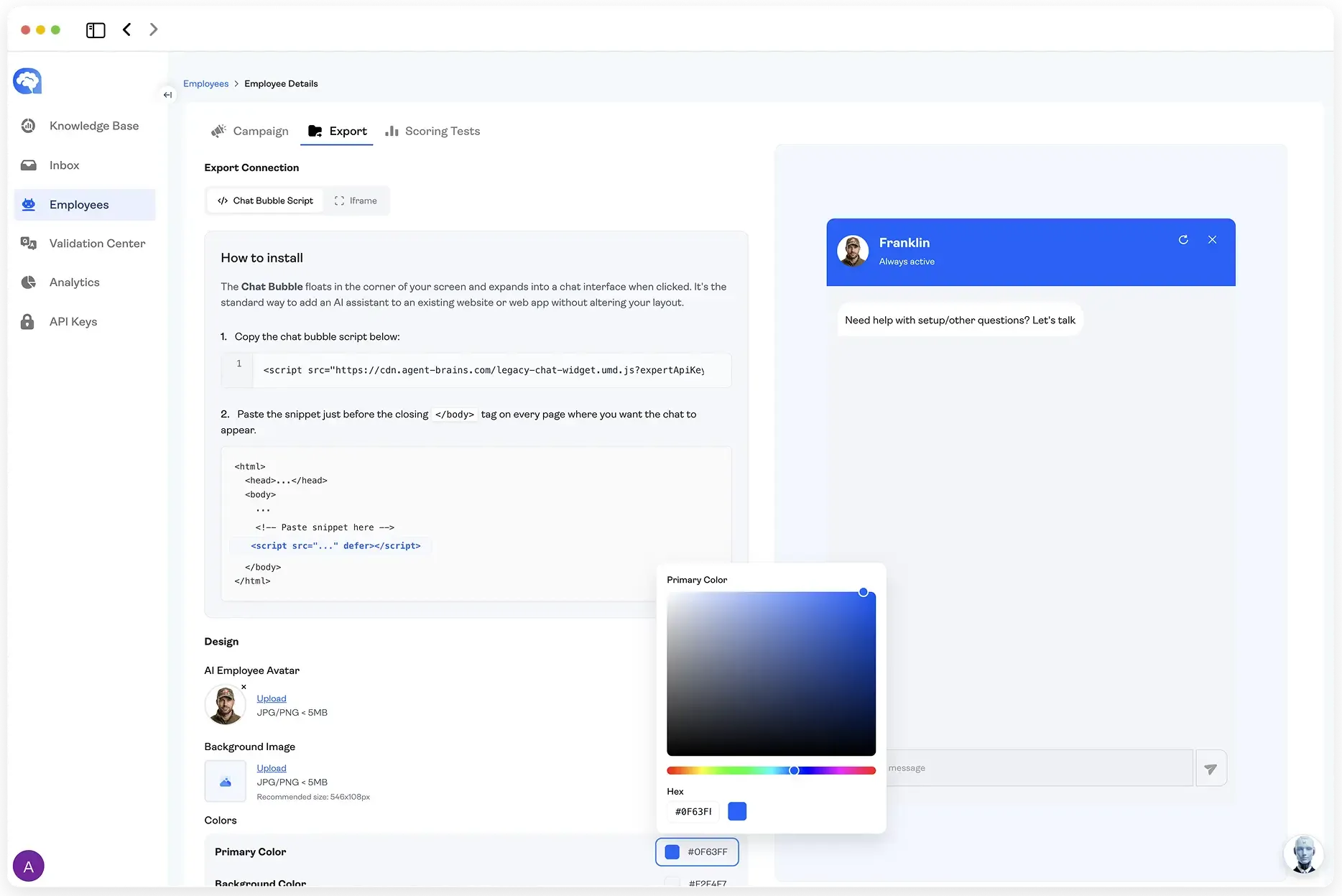
Admin Panel
The AgentBrains Admin Panel gives businesses a complete interface to manage AI agents, monitor conversations, update knowledge, launch campaigns, and track performance — without developer support.
> The Handoff Problem
> What the Admin Panel Is
> The Inbox: See Every Conversation
> Updating The Knowledge Base
> Employee Panel: Tell Your Agents What to Do
> The Builder's Perspective: This Is How You Scale
The Handoff Problem
Building an AI agent is one project. Keeping it running is another.
If you're an Agent Builder or System Integrator, you know this pattern: you spend time understanding the customer’s business, designing workflows, structuring a Knowledge Base, running Synthetic QA batches, and tuning behavior until the scores look right. Then you deploy. And the moment the agent is live, your client starts calling. "Can you check this conversation?" "We changed our pricing — can you update the bot?" "We want to run a Mother's Day promotion, how do we tell the agent?" "A customer said the bot gave them wrong information, can you look into it?"
The AgentBrains Admin Panel solves this by giving your client a clean, intuitive interface to manage their AI agents independently. They can monitor conversations, update their Knowledge Base, launch campaigns, review scores, and jump into live chats — all without touching a workflow, writing a line of code, or calling you. You build the intelligence. They run the business. The Admin Panel is what makes that handoff actually work.
One Interface for Your Entire AI Operation
What the Admin Panel Is
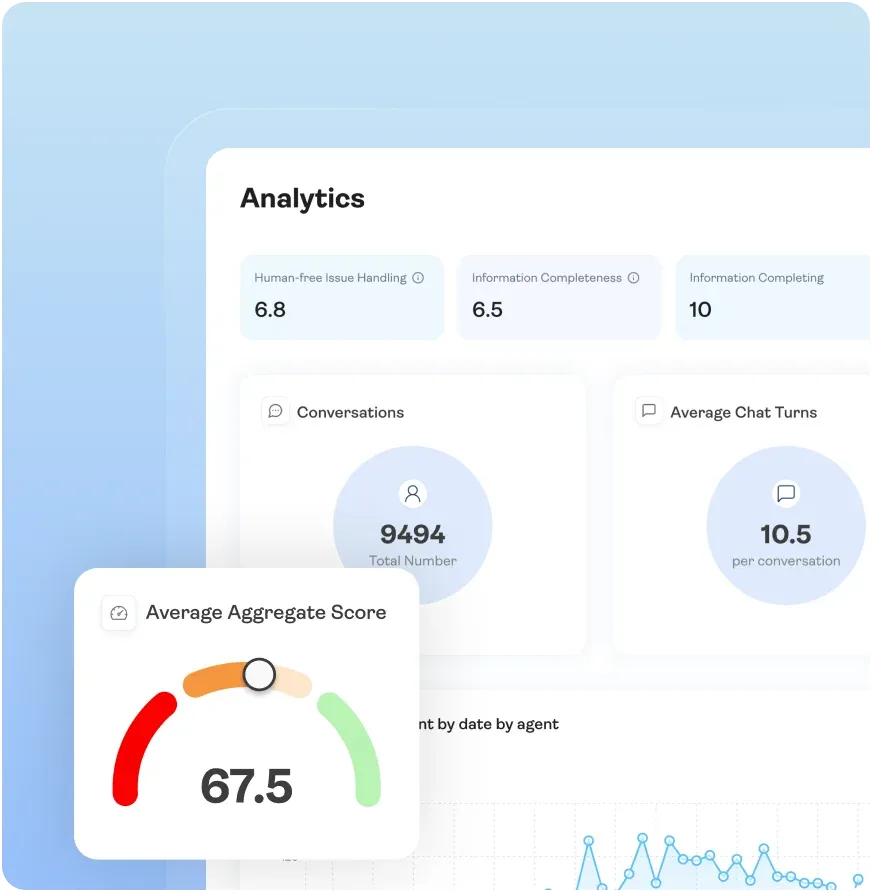
The Admin Panel is the centralized command center for everything that happens after an agent is deployed. It brings together every operational tool — conversation management, knowledge updates, employee configuration, quality Scoring, Analytics, and Validation — into a single browser-based dashboard.
For the Agent Builder, the Admin Panel is what you configure during the build and what you hand to your client at delivery. It's designed so that everything the business needs to do on a daily basis — checking conversations, updating information, tracking performance — is accessible without any technical knowledge. No workflow editors. No API calls. No terminal windows.
For the Business Owner, it's where you manage your AI workforce the same way you'd manage a team of human employees. You can see what every agent is saying, how well it's performing, what customers are asking about, and where the gaps are — and you can act on all of it directly.
The Inbox: See Every Conversation
Filter, don't scroll
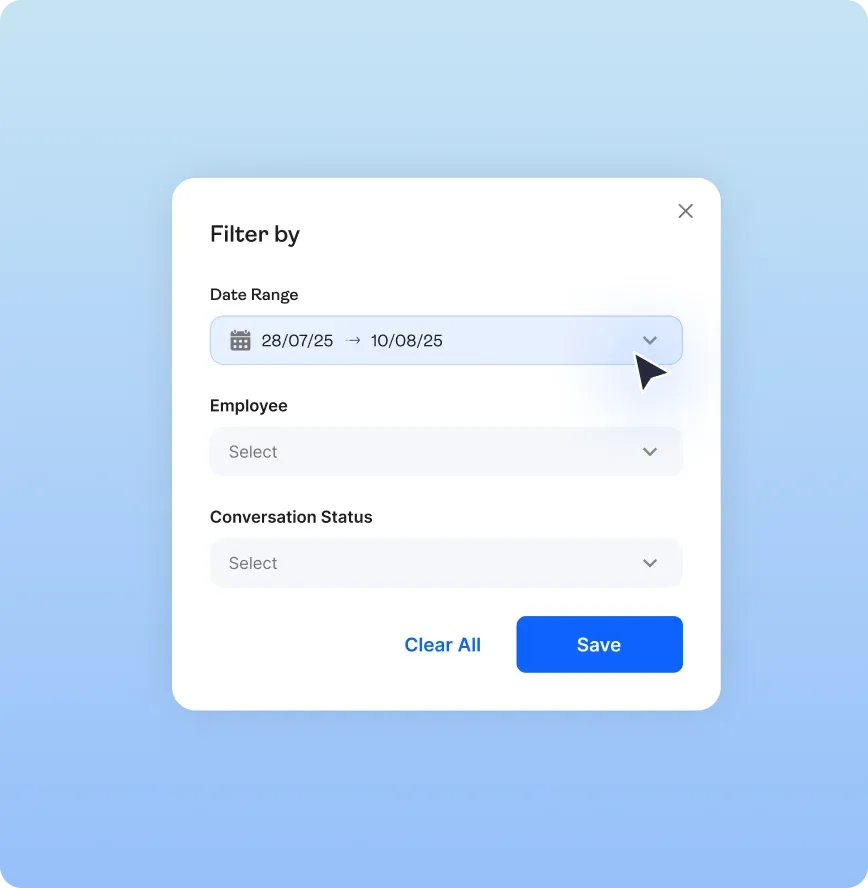
Filter, don't scroll

Every conversation is scored automatically
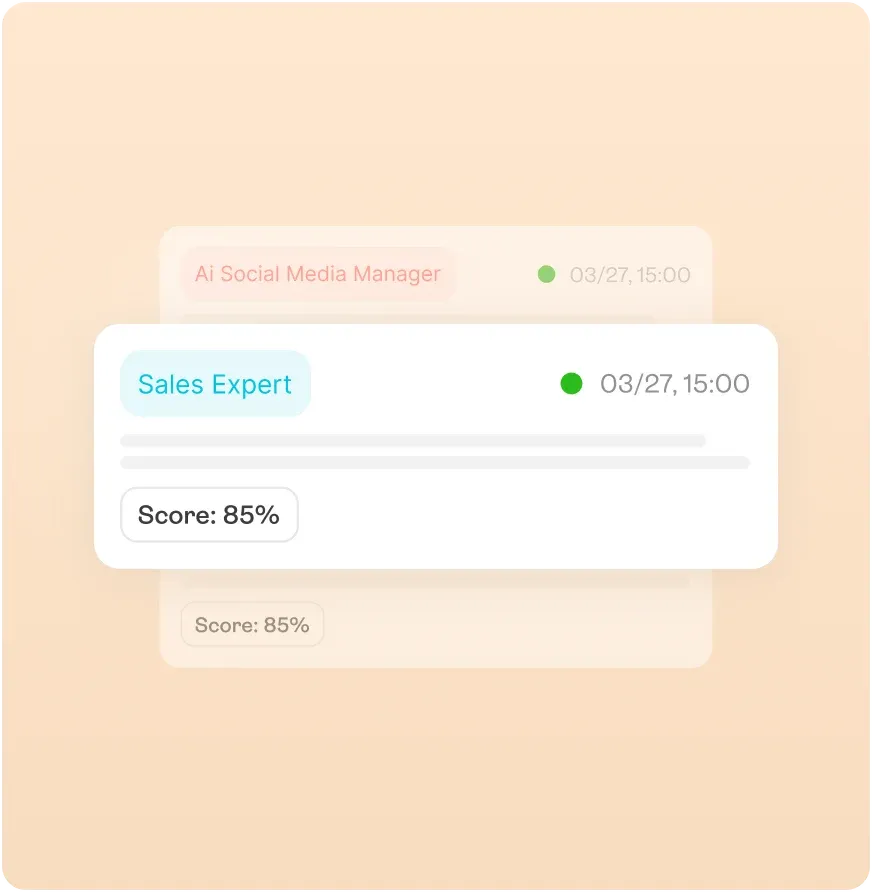
Every conversation is scored automatically
Jump in when it counts
Jump in when it counts
Updating The Knowledge Base
Prices shift, products launch, policies change. The business can handle all of it. The Knowledge Base works like a file explorer, organized into clear categories: Products, Pricing, Policies, FAQs, Company Information. Update a price? Open it, change it, save. Add a product? Drop the file in. Remove one? Delete it.
One Knowledge Base powers every agent. Sales, Support, Social Media — all pull from the same source. Update something once, and every agent has the current information. No per-agent updates, no version mismatches.
Behind the scenes, uploaded documents are automatically parsed into LLM-optimized formats. The business uploads a PDF or pastes a URL; AgentBrains handles the rest. No need to think about tokens, embeddings, or formatting.
Employee Panel: Tell Your Agents What to Do
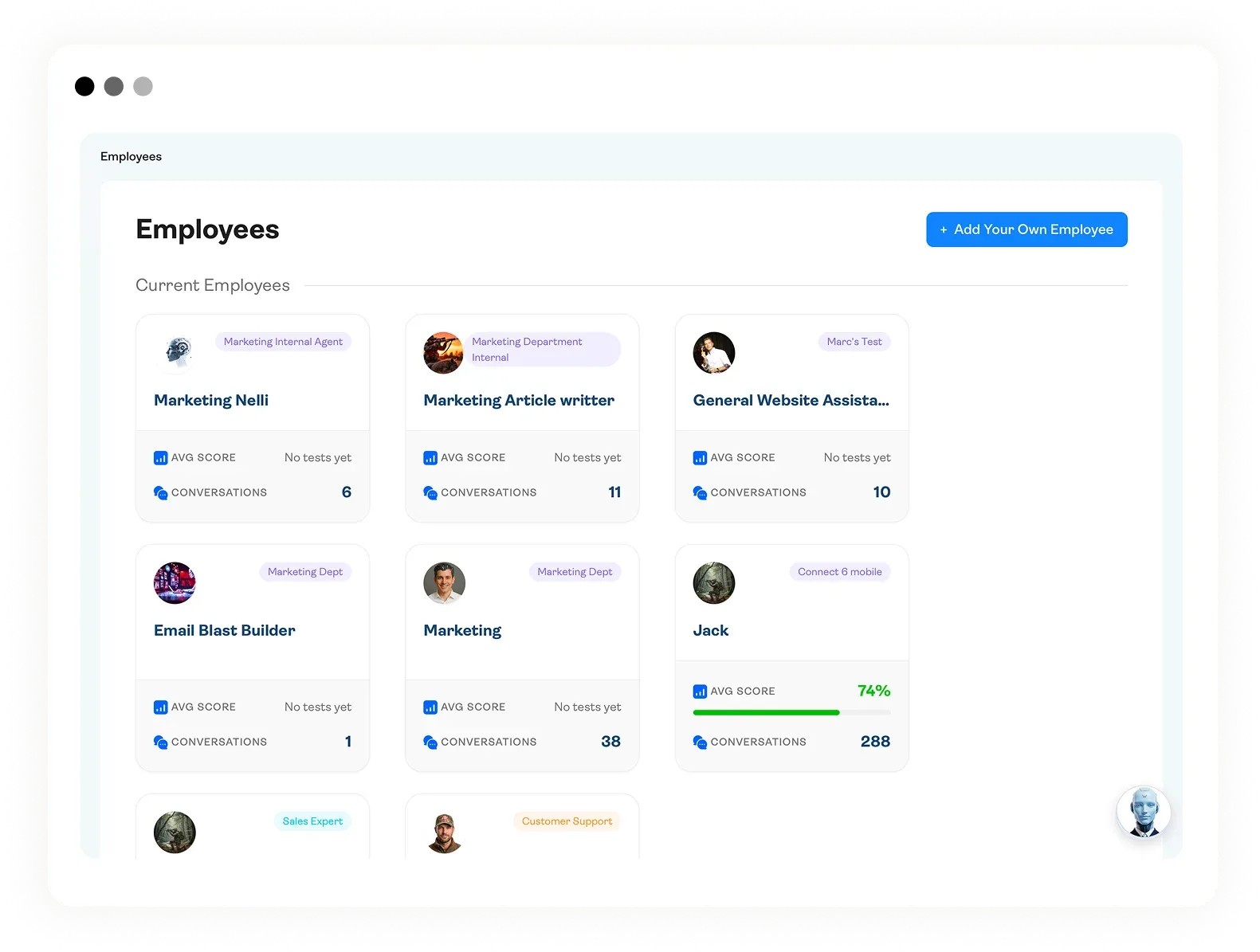
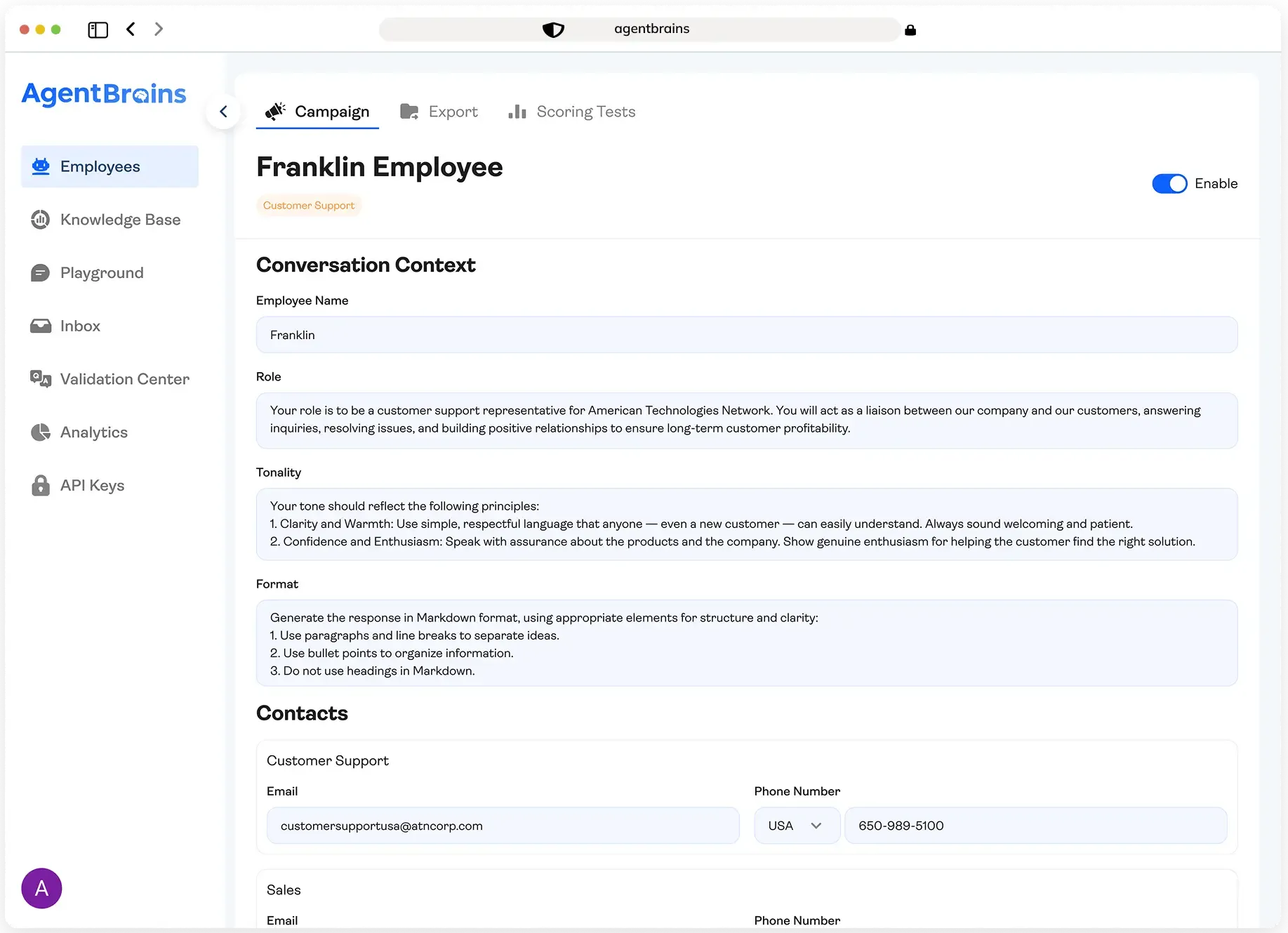
In Employee panel the business will have access to multitude of adjustments and settings for each Agent.
Create a campaign
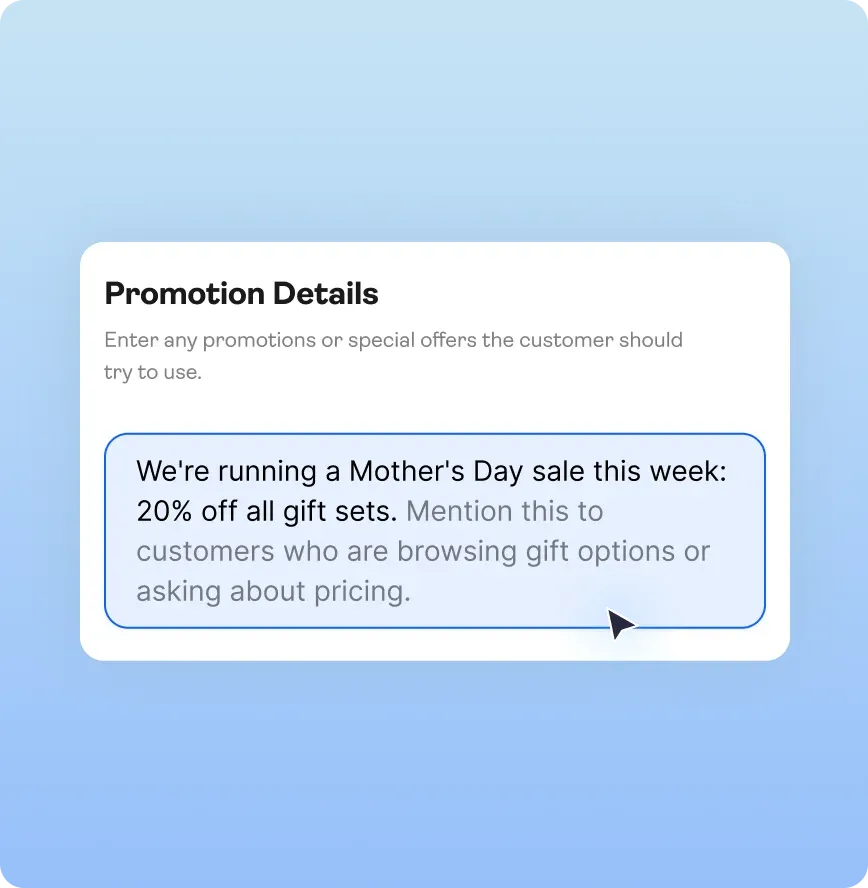
Create a campaign
Set Tone and Style
Set Tone and Style
Dashboard
Dashboard
The Builder's Perspective: This Is How You Scale
Without a proper admin layer, every deployed agent comes with an invisible support contract. The client can't update data, check conversations, or run tests on their own — so every small task bounces back to you. Your capacity shrinks with every deployment.
The Admin Panel breaks that cycle. You deliver a complete operational system, not just a chatbot. The business can update their Knowledge Base, monitor conversations and scores, jump into live chats, run QA batches, and launch campaigns — all without you.
You move on. Take the next client. Build the next agent. Come back for strategic upgrades, not price changes. The Admin Panel is what turns a one-off build into a scalable practice.