
The Command Center for Your AI Workforce
Manage, monitor, and audit every interaction your AI employees have
with your customers in one unified, real-time dashboard.
with your customers in one unified, real-time dashboard.
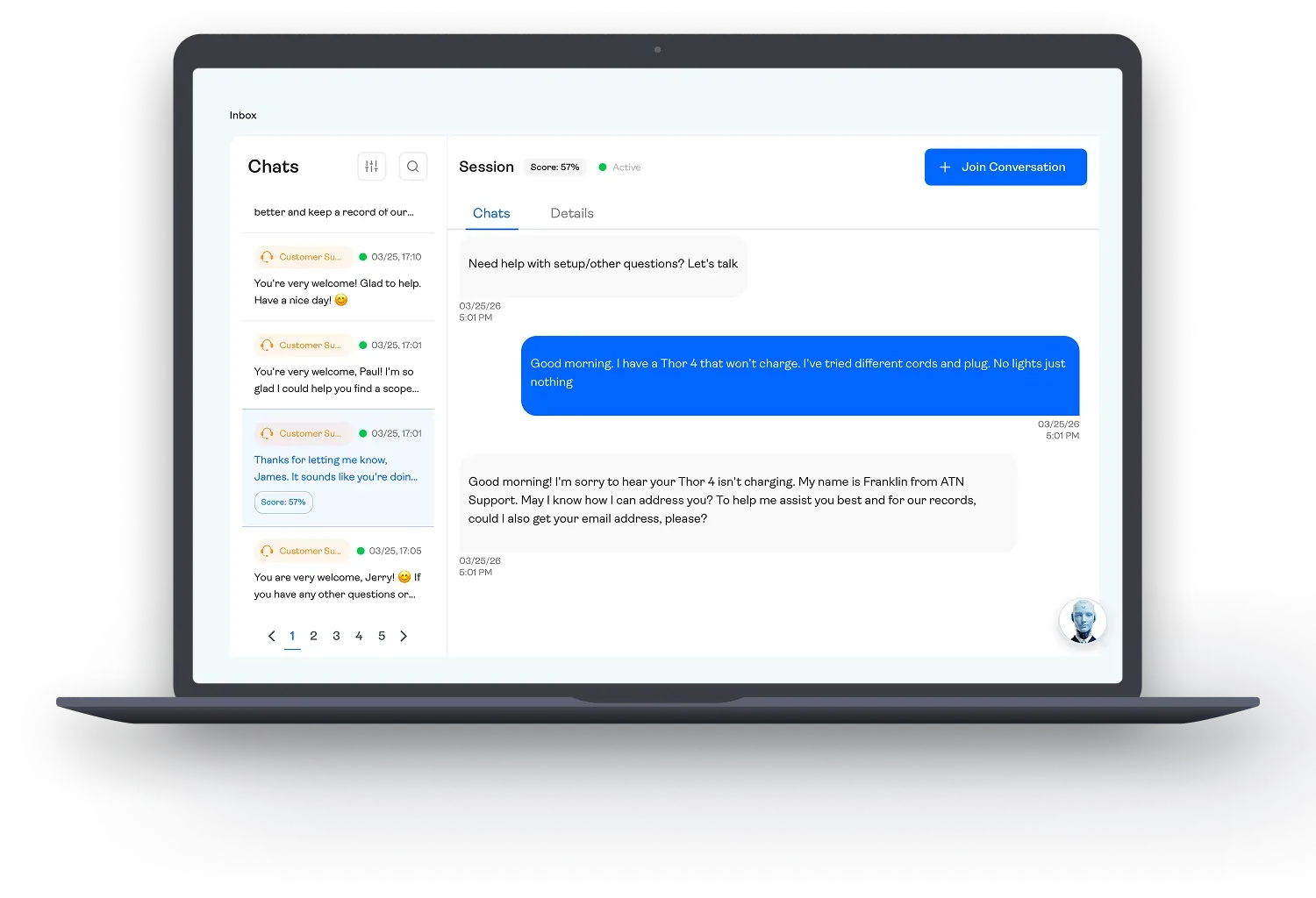
Total Visibility, No "Black Box"
Most AI solutions leave you in the dark, hoping the bot said the right thing. The AgentBrains Inbox
removes the mystery. It serves as the operational cockpit where you can watch your Digital
Workforce in action, review past performance, and ensure your brand voice is always protected.
removes the mystery. It serves as the operational cockpit where you can watch your Digital
Workforce in action, review past performance, and ensure your brand voice is always protected.
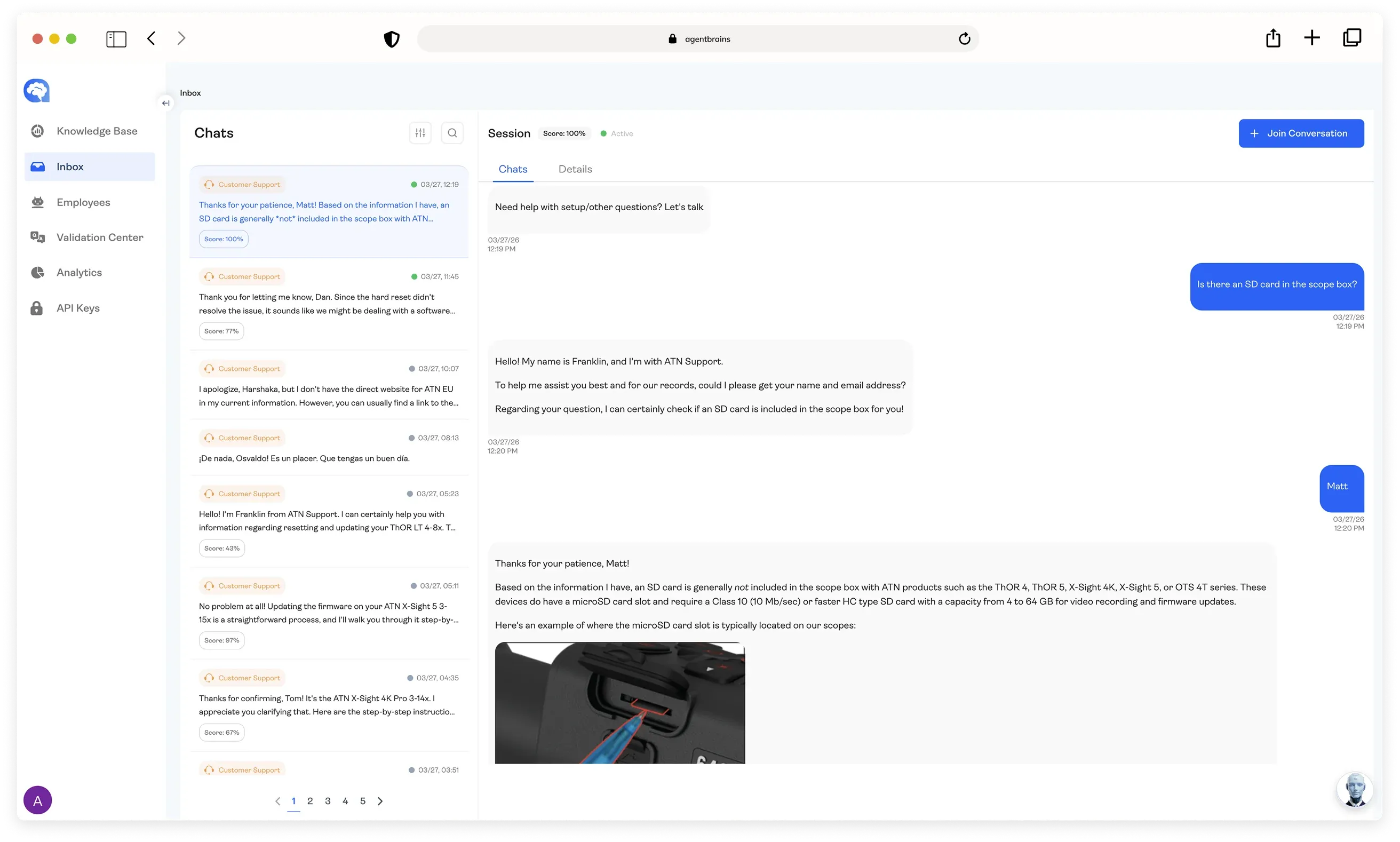
Key Features
01
Live & Historical Conversation Feed
01
Live & Historical Conversation Feed
Whether it happened five seconds ago or five months ago, every conversation is stored and organized.
 Real-Time Monitoring: Watch conversations unfold live as your Sales or Support AI interacts with customers.Seamless History: Scroll through the complete transcript to see exactly how an issue was resolved or a deal was negotiated.Pass/Fail Metrics: Instantly spot low-scoring interactions that need your attention without opening every single thread.
02
Smart Filtering & Search
02
Smart Filtering & Search
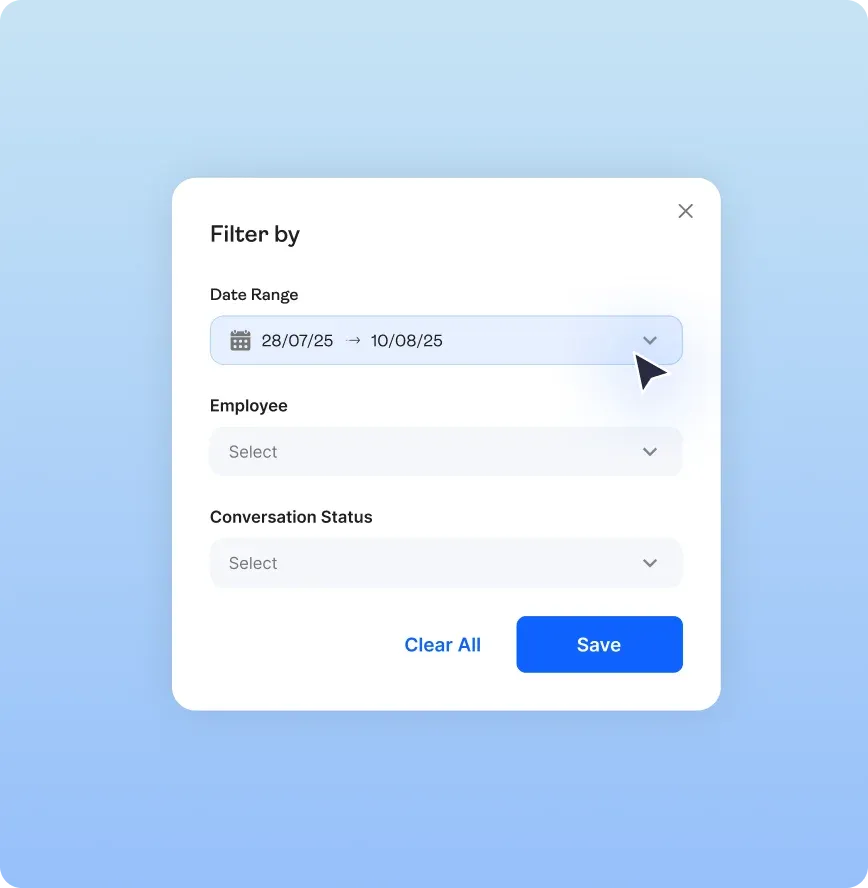
Don't waste time reading through thousands of routine conversations. Zero in on the conversations that actually matter.
Filter by Agent: Isolate chats handled by your Sales Employee vs. your Customer Support Employee.Filter by Status: Quickly find resolved tickets, active leads, or escalated issues.Filter by Score: Instantly surface critical interactions. View only low-scoring chats to diagnose issues, or high-scoring successes to see your AI at its best.Filter by Time: Drill down into specific periods. Review performance from the last year, month, week, or a custom range to track trends.03
Automated Quality Scoring
03
Automated Quality Scoring
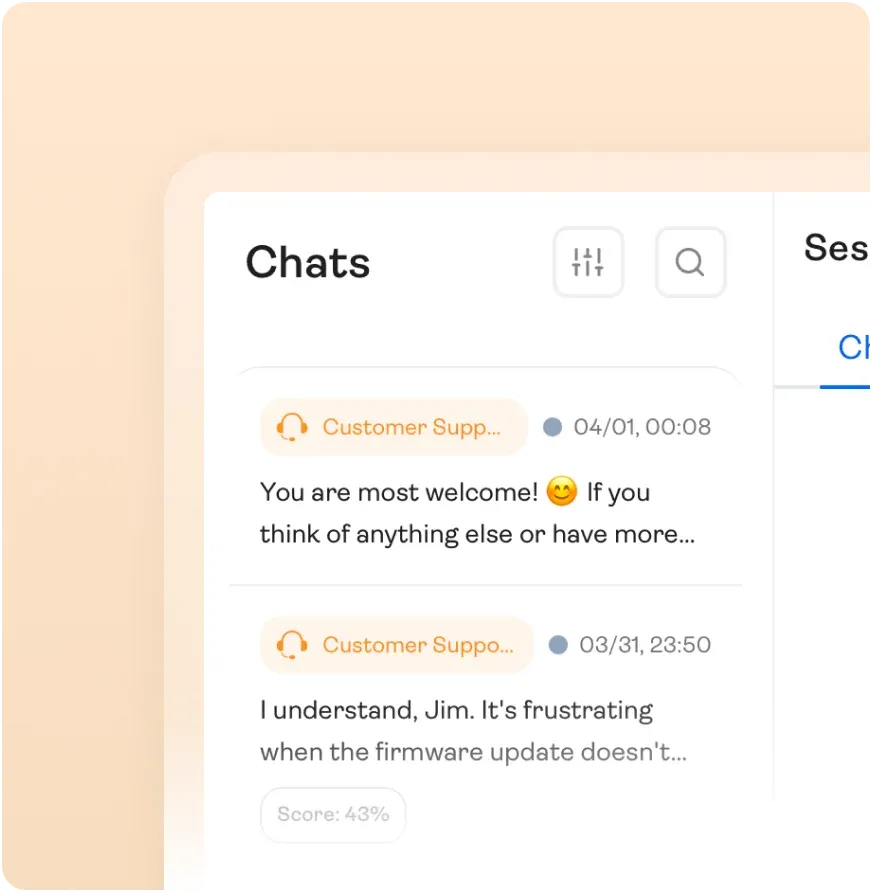
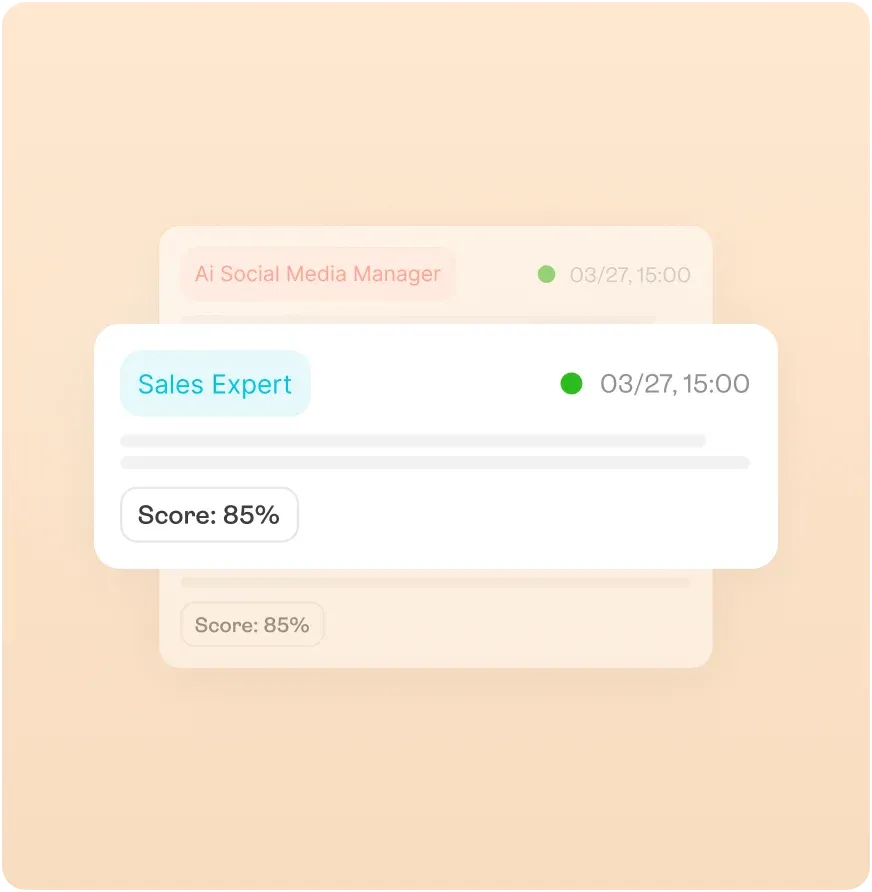
Every single conversation is automatically graded by our evaluation engine, giving you an instant "health check" on your AI's performance.
At-a-Glance Scores: See a clear quality score (e.g., 95/100) right next to the chat session in the sidebar.Pass/Fail Metrics: Instantly spot low-scoring interactions that need your attention without opening every single thread.04
"The Why" – Deep Dive Diagnostics
04
"The Why" – Deep Dive Diagnostics
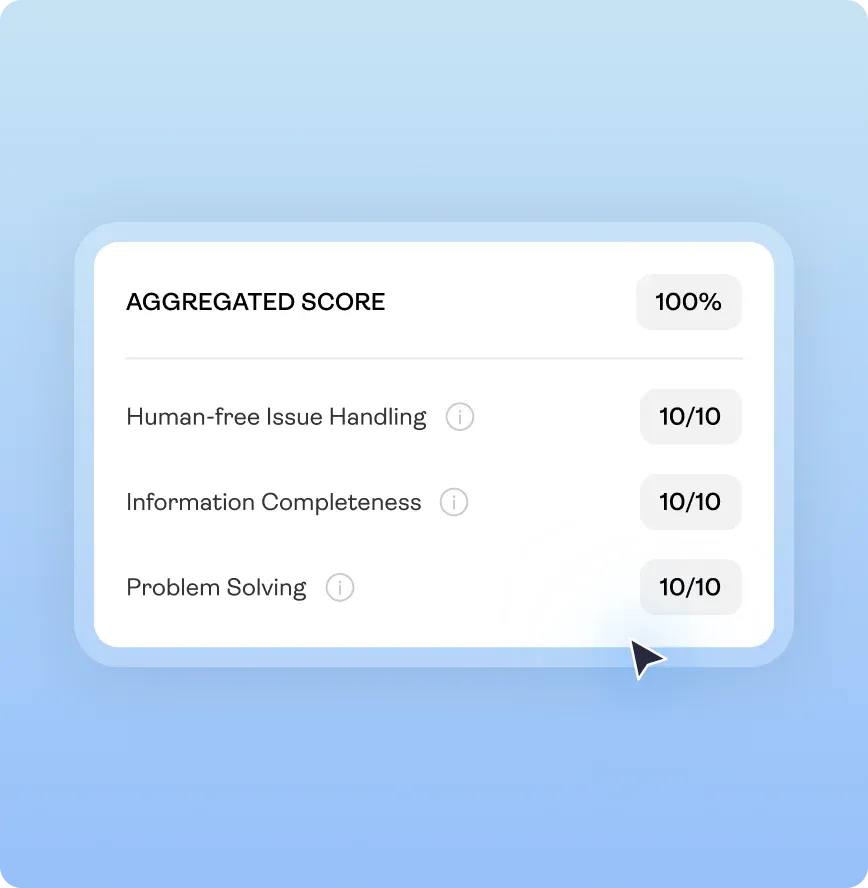
A low score is only useful if you know why it happened. AgentBrains doesn’t just give you a number; it gives you the reasoning.
Scorecard Breakdowns: Click into any chat to see a detailed report. Did the AI fail on Empathy? Did it miss a Policy Check? Was the Accuracy off?Actionable Insights: Use these insights to retrain your agent. If the AI consistently misses a specific pricing rule, you’ll see it here first.Why Business Owners Love the Inbox
“
It’s like having a recording of every sales call
and support ticket, automatically graded for me.
and support ticket, automatically graded for me.

Trust but Verify
You don't have to blindly trust the AI. You can audit its work whenever you want.

Rapid Improvement
Identify weak spots in your Knowledge Base immediately based on conversation scores.

Peace of Mind
Know exactly how your customers are being treated, 24/7

Ready to upgrade from Text-Only?
Turn your passive documents into an active visual library