
Instant Vector Databases.
Zero Infrastructure
Building a Vector DB usually involves setting up external instances (Pinecone, Weaviate), writing chunking scripts, and wrestling with embedding dimensions. With AgentBrains, the hard work is already done.
Because your data is already structured in our Knowledge Base, creating a Vector Index is as simple as clicking a button.
Because your data is already structured in our Knowledge Base, creating a Vector Index is as simple as clicking a button.
The "Transparent" Database
The biggest problem with standard Vector Databases is that they are "Black Boxes"—you dump text in and hope the retrieval works. AgentBrains flips this model.
Visual Debugging
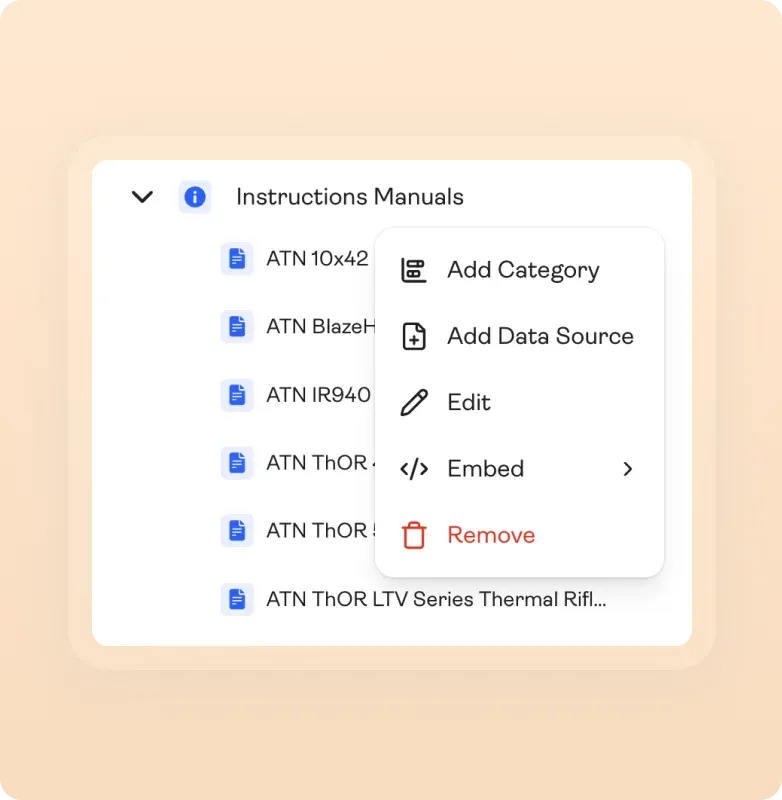
Visual Debugging
Wondering why the AI didn't know an answer? You don't need to query vector arrays. Just look at your Knowledge Base. If the data isn't there, or if it's organized poorly, you can fix it in the UI and re-embed quickly.
One-Click Embedding
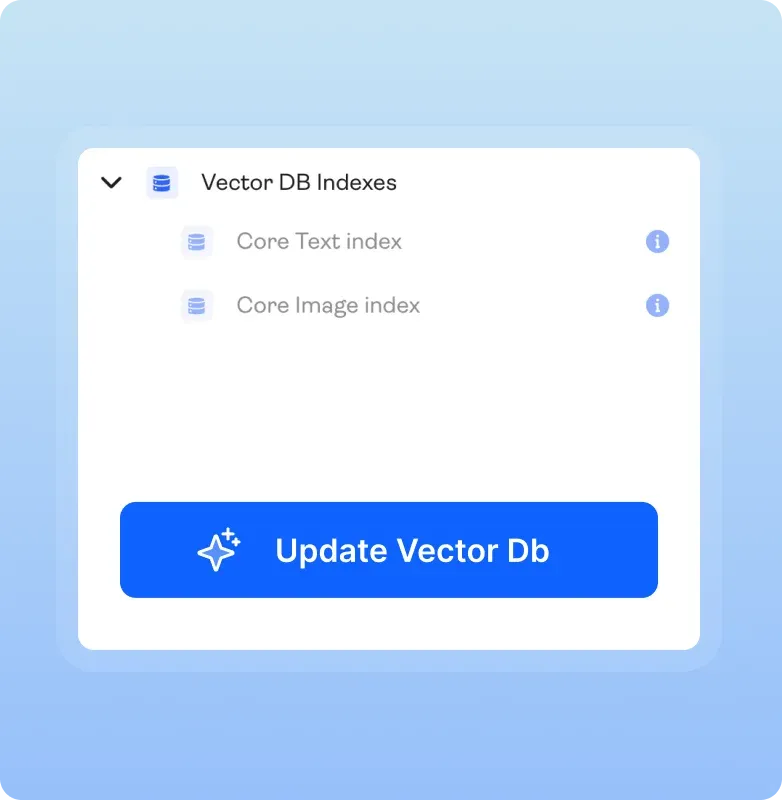
One-Click Embedding
Once your folders are organized, simply click "Embed KB." We handle the chunking, tokenization, and embedding generation in the background.
One Node. Two Retrieval Strategies
For n8n users and other developers, the AgentBrains Node offers the ultimate flexibility. We allow you to mix
General Semantic Search in the same agent flow without complex logic.
General Semantic Search in the same agent flow without complex logic.
Targeted File Retrieval

Targeted File Retrieval
Best for: Price lists, Policy documents, specific Specs, Instruction Manuals.
Sometimes you don't want the AI to "guess" or search the whole database. If a user asks for pricing, you can tell the Node to look only in the price folder. The node retrieves the entire price list not just a chunk of it. This ensures high level of accuracy and eliminates most hallucination.
Sometimes you don't want the AI to "guess" or search the whole database. If a user asks for pricing, you can tell the Node to look only in the price folder. The node retrieves the entire price list not just a chunk of it. This ensures high level of accuracy and eliminates most hallucination.
General Vector Search
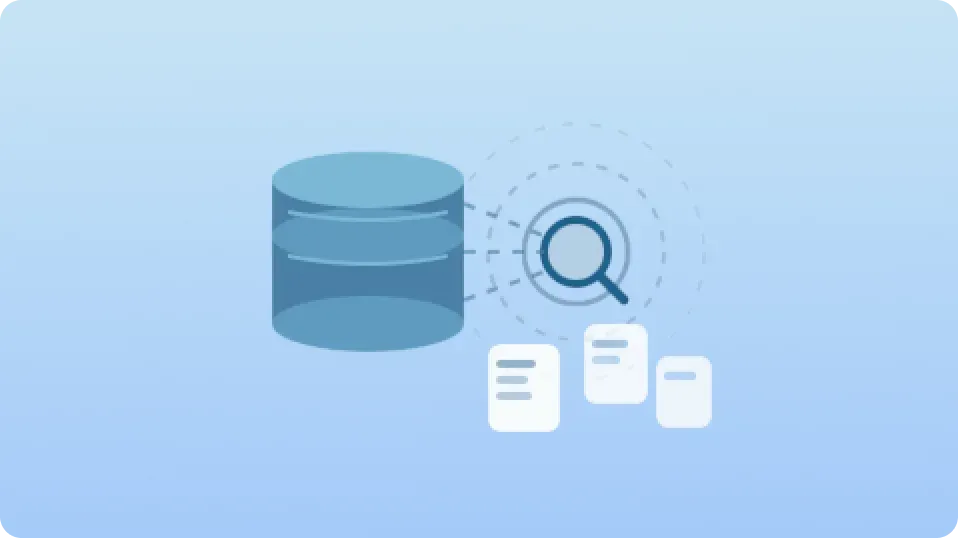
General Vector Search
Best for: General advice, troubleshooting, broad questions.
When the user asks a broad question like "How do I improve battery life?", use the AgentBrains Node to query the entire Vector DB. The system uses semantic similarity to pull the most relevant chunks from across your whole Knowledge Base, synthesizing an answer from multiple documents.
When the user asks a broad question like "How do I improve battery life?", use the AgentBrains Node to query the entire Vector DB. The system uses semantic similarity to pull the most relevant chunks from across your whole Knowledge Base, synthesizing an answer from multiple documents.
We Handle the Heavy Lifting
Stop writing Python scripts to manage embeddings. AgentBrains creates a production-ready backend for you.

Auto-Chunking
We intelligently split your documents based on the Markdown structure we created during ingestion, ensuring context isn't cut off in mid-sentence.

Managed Hosting
No API keys to manage, no latency issues, and no separate billing for your vector provider.
It lives where your data lives.
It lives where your data lives.

Live Updates
When you edit a document in the Knowledge Base to fix a typo, simply re-embed. Your Vector DB is always in sync with your business reality.

Stop Wrestling with Vectors. Start Building Agents.
You have the data. We have the infrastructure. Click one button and give your AI the long-term memory it needs to function in the real world.